Outgrown Mailchimp?
Get into Klaviyo in 4 hours
Beena handles every step of your switch, from flows to filters. No delays. No guesswork.
Where are you in your switch?
Still in evaluation?
Use our free trial to copy one template and one automation into Klaviyo. See exactly what you're getting with your own data, not a generic demo.
Try FreeReady to make the move?
Transfer your templates, journeys, and segments in hours, not weeks. Your flows stay intact and your logic stays preserved.
Start MigrationHow it works
Five steps from signup to a fully migrated Klaviyo account
Sign up & connect Klaviyo
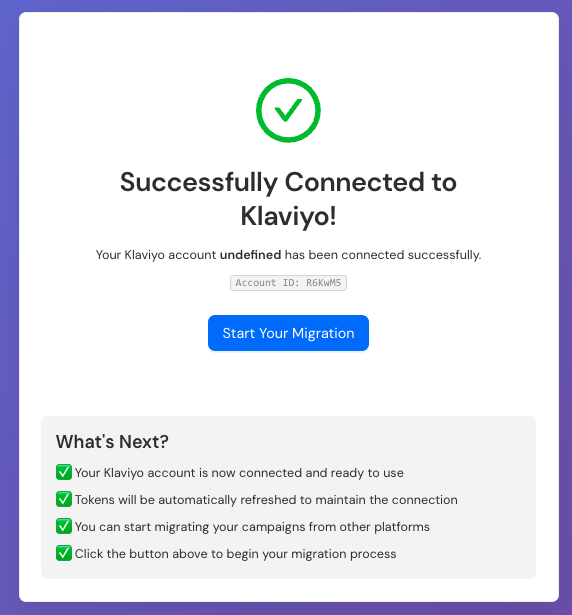
Create your Beena account and connect your Klaviyo account
Download the app
Install the Beena desktop app on Mac or Windows
Log in to both accounts
Launch the app and securely log in to Mailchimp and Klaviyo
Choose what to migrate
Select the templates, flows, segments, and data you want moved
Run the migration
Beena migrates everything and delivers a detailed report
Manual migration vs. Beena
Do it yourself
Days of manual rebuilding across multiple tabs. Tedious work recreating every flow, template, and segment from scratch. High risk of missing logic or breaking automations.
With Beena
We read your Mailchimp setup and rebuild everything in Klaviyo automatically. No missing logic. No manual copying. Just a complete, accurate migration.
Save 30+ hours on your migration
Here's how the time breaks down
The common concerns, and what actually happens
Here's what teams worry about before switching, and what real customers saw on the other side.
Migration will break something
You run both platforms in parallel during migration. Mailchimp stays active until Klaviyo is fully tested and sending. There's no moment where everything switches at once. You control the cutover timing.
Switching over was easy. It only took about 2 hours, and he saw no site downtime during the switch.
Edward Fisher Jr., Owner, My Community Made
We'll lose historical data
Recent engagement (90 days) transfers to Klaviyo. Older reporting stays in Mailchimp. Export it before you cancel; your Mailchimp account doesn't delete itself and you can keep it read-only for historical reference.
Klaviyo's native Mailchimp integration pulls over all your contact data, including when contacts received, opened, and clicked emails from the last 90 days. Unsubscribed and bounced contacts automatically go to your suppression list.
Klaviyo Help Center
My team won't learn Klaviyo fast enough
If you know Mailchimp, Klaviyo's concepts are familiar. Lists, segments, campaigns, automations. The UI is different but the mental model is similar. Most teams are comfortable within 1-2 weeks.
I had no experience apart from sending a few Mailchimp emails and now I feel like I can confidently use Klaviyo and understand it, but also analyze the data and learn from it.
Frankie Cooke, Brand Coordinator, Grind
Our deliverability will tank
Domain warm-up takes 2-4 weeks and follows a predictable pattern. You start with your most engaged subscribers and gradually expand. If your list hygiene is good in Mailchimp, it will be good in Klaviyo. The platform doesn't determine deliverability. Your sending practices do.
Now we have a good sender reputation. We have a very healthy open rate. We have seen a huge increase in order value.
Alex English, Head of Growth, italist (open rates grew 475% after switching from Mailchimp)
Timing it right
When you migrate matters almost as much as how. Q1 or Q3 works. October through December (BFCM) does not. Neither does a major product launch window. The best time is usually 2-3 months before your next big push, so you can migrate, warm up, and optimize before it really counts.
What Beena migrates
Everything you need to hit the ground running in Klaviyo
Why teams choose Beena
No disruption to live campaigns
Continue sending in Mailchimp during migration. Switch over when you're ready, on your schedule.
Confidence in every flow
Beena faithfully rebuilds your logic, delays, filters, and segmentation. Nothing gets lost in translation.
30 hours of work, done in 4
Beena automates the migration of your flows, templates, and segments. Focus on strategy, not spreadsheets.
Strategy, not spreadsheets
Jump straight into Klaviyo's advanced features like A/B testing, SMS, and predictive analytics.
Estimate your migration cost
Adjust the values below to calculate what your migration might cost
Ready to make the switch?
Start your free trial and see how easy migration can be. No credit card required.
Start Free Trial Read the Mailchimp to Klaviyo Guide