Outgrown Mailchimp?
Get into Klaviyo in 4 hours
Beena handles every step of your switch, from flows to filters. No delays. No guesswork.
Where are you in your switch?
Still in evaluation?
Use our free trial to copy one template and one automation into Klaviyo. See exactly what you're getting with your own data, not a generic demo.
Try FreeReady to make the move?
Transfer your templates, journeys, and segments in hours, not weeks. Your flows stay intact and your logic stays preserved.
Start MigrationHow it works
Five steps from signup to a fully migrated Klaviyo account
Sign up & connect Klaviyo
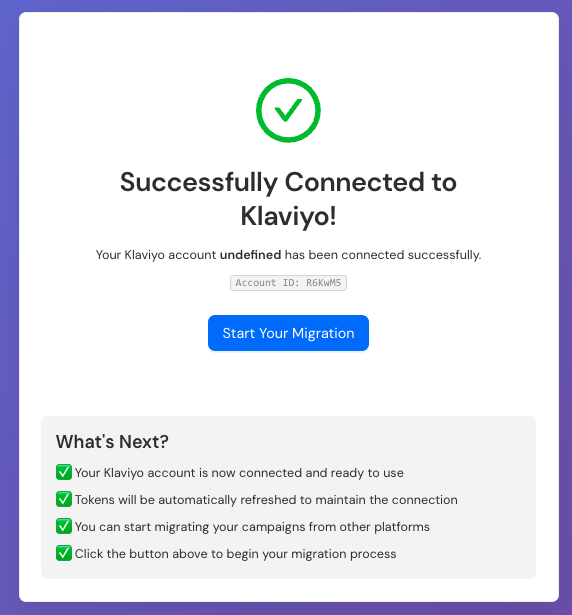
Create your Beena account and connect your Klaviyo account
Download the app
Install the Beena desktop app on Mac or Windows
Log in to both accounts
Launch the app and securely log in to Mailchimp and Klaviyo
Choose what to migrate
Select the templates, flows, segments, and data you want moved
Run the migration
Beena migrates everything and delivers a detailed report
Manual migration vs. Beena
Do it yourself
Days of manual rebuilding across multiple tabs. Tedious work recreating every flow, template, and segment from scratch. High risk of missing logic or breaking automations.
With Beena
We read your Mailchimp setup and rebuild everything in Klaviyo automatically. No missing logic. No manual copying. Just a complete, accurate migration.
Save 30+ hours on your migration
Here's how the time breaks down
What Beena migrates
Everything you need to hit the ground running in Klaviyo
Why teams choose Beena
No disruption to live campaigns
Continue sending in Mailchimp during migration. Switch over when you're ready, on your schedule.
Confidence in every flow
Beena faithfully rebuilds your logic, delays, filters, and segmentation. Nothing gets lost in translation.
30 hours of work, done in 4
Beena automates the migration of your flows, templates, and segments. Focus on strategy, not spreadsheets.
Strategy, not spreadsheets
Jump straight into Klaviyo's advanced features like A/B testing, SMS, and predictive analytics.
Estimate your migration cost
Adjust the values below to calculate what your migration might cost
Ready to make the switch?
Start your free trial and see how easy migration can be. No credit card required.
Start Free Trial Read the Mailchimp to Klaviyo Guide